vloggie

Record better vlogs with iPhone’s rear cameras
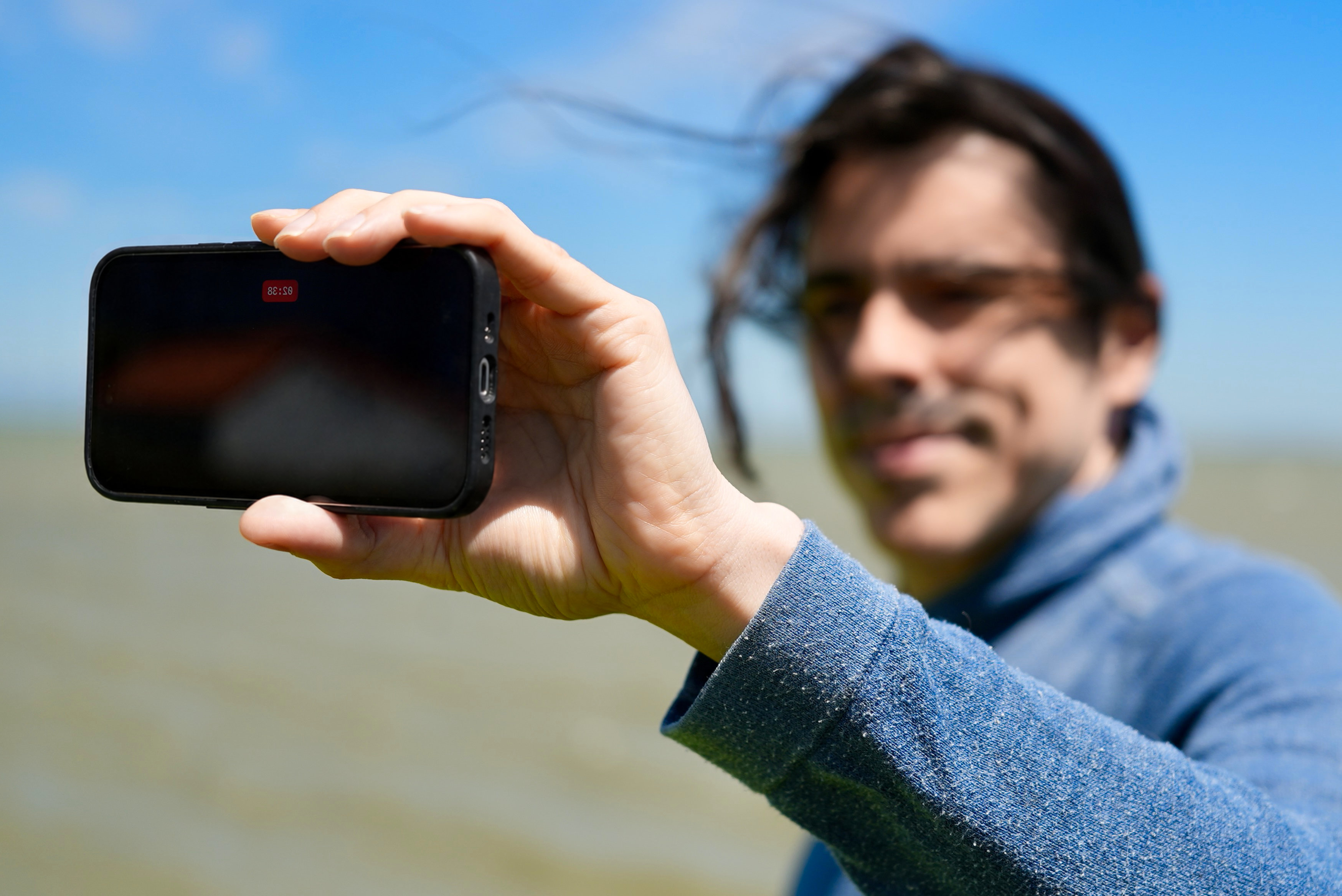
The rear cameras shoot your best-looking video, but you can’t see the screen while you record. Vloggie makes it easy to stay framed and recording without looking.
-
Hands-free start
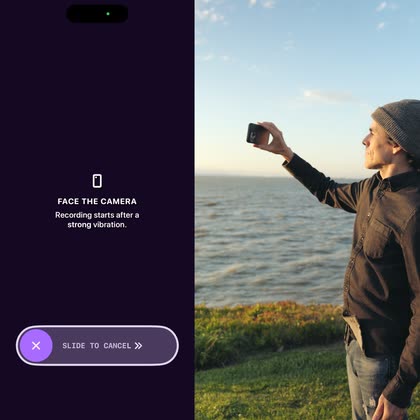
Recording starts automatically when your face is well framed. Set up your shot, step in, and Vloggie starts recording. Done? Press the volume button to end.
-
Safely grip the screen
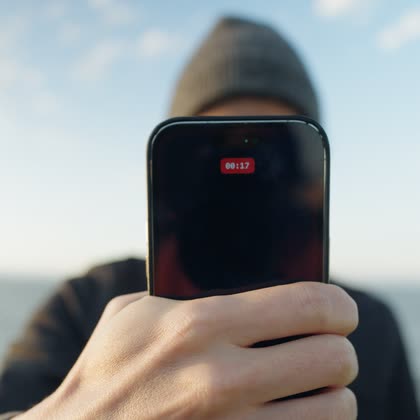
Touch the screen freely while recording for a better grip. Vloggie won’t stop or pause your take from an accidental tap.
-
Feel your framing
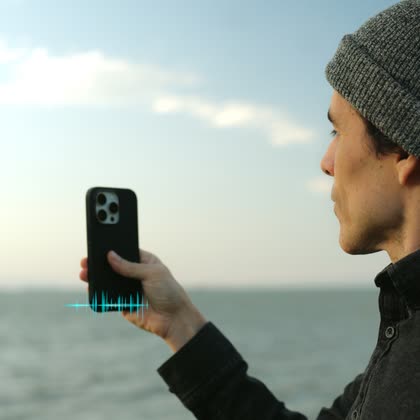
It’s easy to forget to stay in frame while you are in the flow. Haptic Framing notifies you when your face drifts out of frame (external microphone recommended).
-
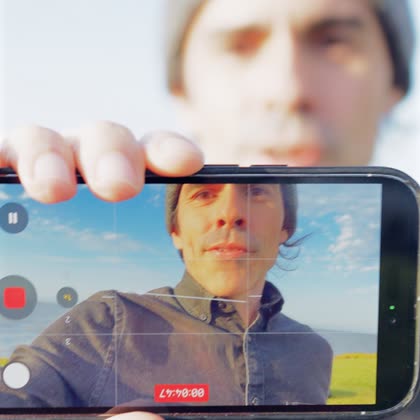
No double face
Show your vlog to the world when it’s finished, not while you’re recording it. Vloggie hides your screen face while you record your real one.